
How do I make an account?
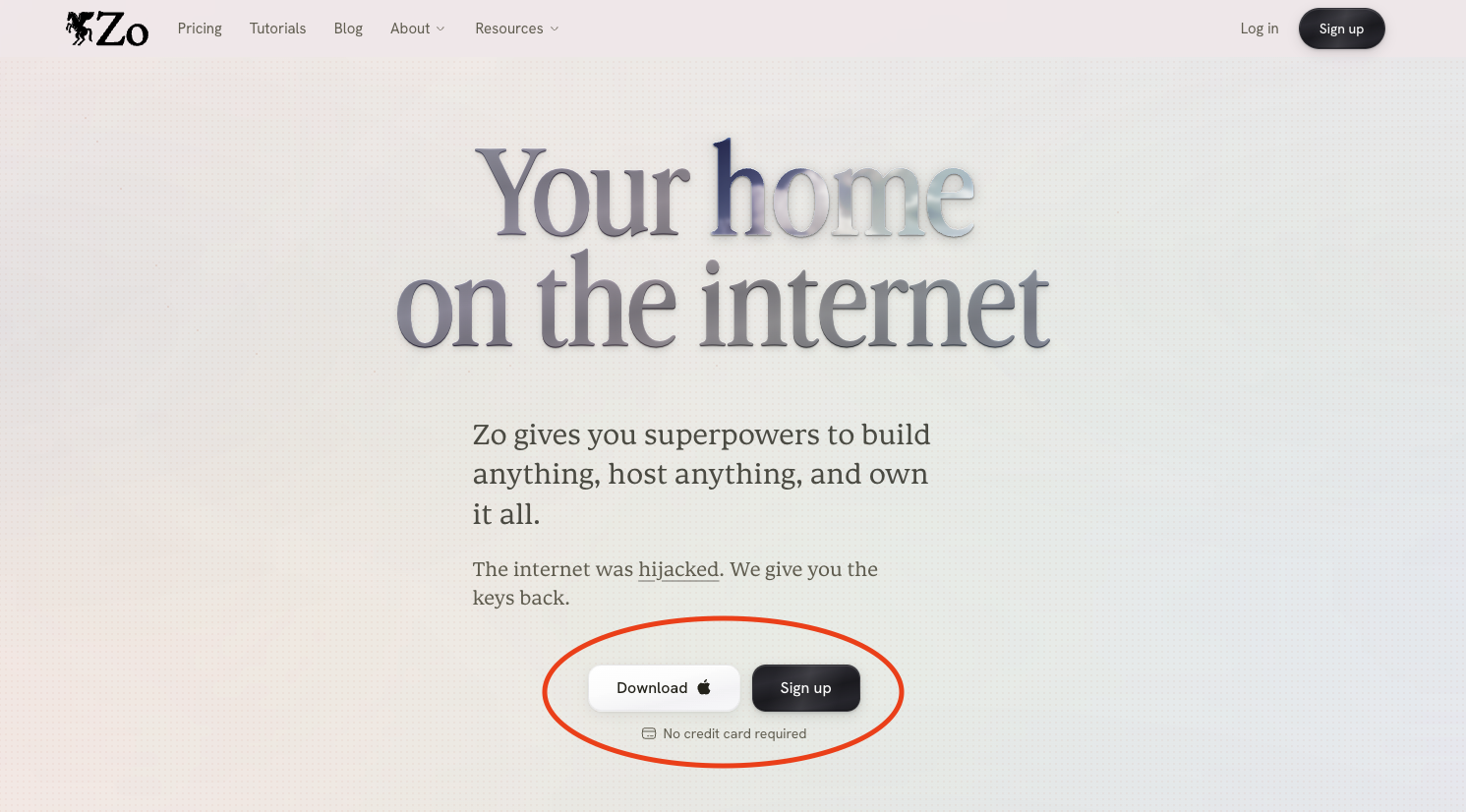
Getting started takes about a minute. Head to the sign-up page, enter your email, and we'll send you a magic link to log in. No password to create. Prefer Google? You can sign in with that instead.
Prefer a desktop app? Download it for Mac, Windows and Linux. On Windows, SmartScreen may warn that the app is unrecognized; click More info, then Run anyway. On Linux? The desktop app page has the packages and install notes for every platform we support.
Once you're in, your personal computer lives at yourhandle.zo.computer, and you can start chatting right away. If you came in from a welcome email and aren't sure where to go next, just open the Zo chat and say hello 👋. That's all it takes to get started with your very own personal computer in the cloud! ☁️
Need a hand with anything else? Email us anytime at help@zocomputer.com, or hop into our Discord for real-time help from the team and the wider Zo community.