
How do I log in, and where's the app?
Your computer is one click away. Hit Log in at the top of zo.computer and you'll go straight to it at yourhandle.zo.computer. Here's the login link directly.
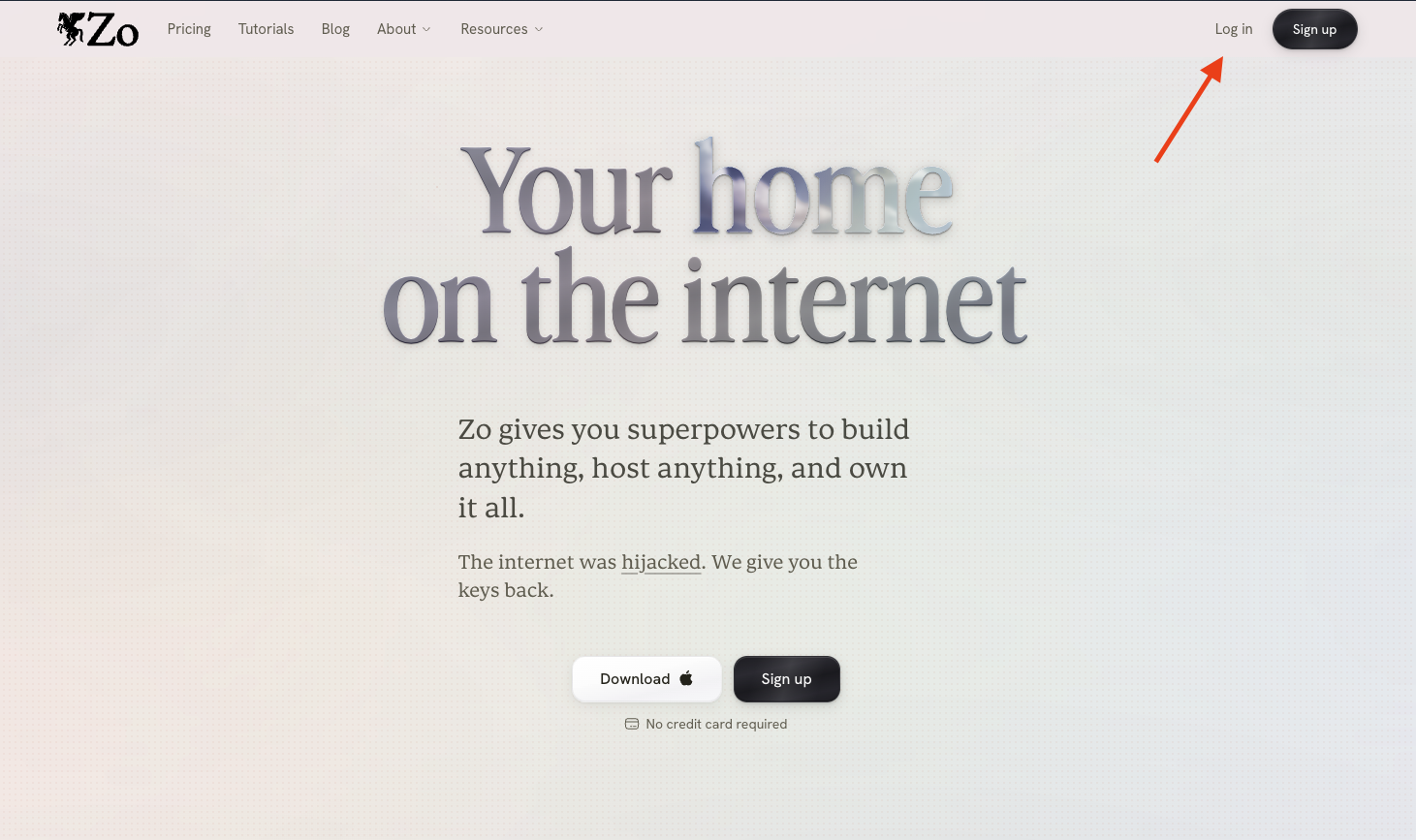
Zo runs right in your browser, and we also have a desktop app if you'd rather keep it in its own window. You log in the same way you signed up (a magic link to your email, or Google Oauth), so there's no separate password to remember. You can also reach your Zo by text, email, Telegram, Discord, and Slack once you've connected them in Settings, then Channels.
Need a hand with anything else? Email us anytime at help@zocomputer.com, or hop into our Discord for real-time help from the team and the wider Zo community.