
How do I change the name Zo calls me?
Changing the name Zo calls you is a quick thing to change. Simply, open Settings, then go to AI, and scroll to Personalization. Type the new name into the Name field and it saves on its own, no save button needed. Letters, numbers, and spaces, up to 32 characters. (I'm John and you'll also see me in our support channel on email and Discord if you ever run into any issues!)
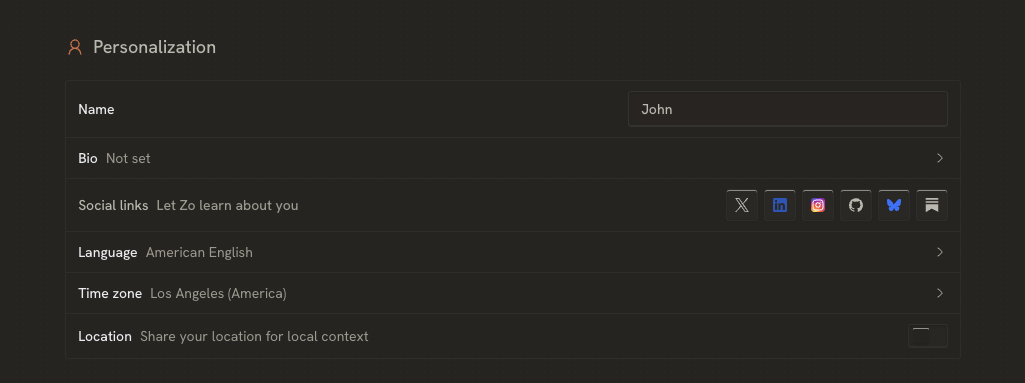
While you're in there, it helps to know your name on Zo is really three things:
Name is what Zo calls you.
Your handle is your address, the yourhandle in yourhandle.zo.computer. This one can't be changed today.
Your email is how you sign in, and where your magic links go.
Need a hand with anything else? Email us anytime at help@zocomputer.com, or hop into our Discord for real-time help from the team and the wider Zo community.